Be first to get deals on gear, lessons, courses and AI agents. Your free account also gets member pricing in the SampleKings store.
Welcome to SampleKings. Watch your email for deals. You can log in to the SampleKings store with the email and password you just chose.
Log in to the store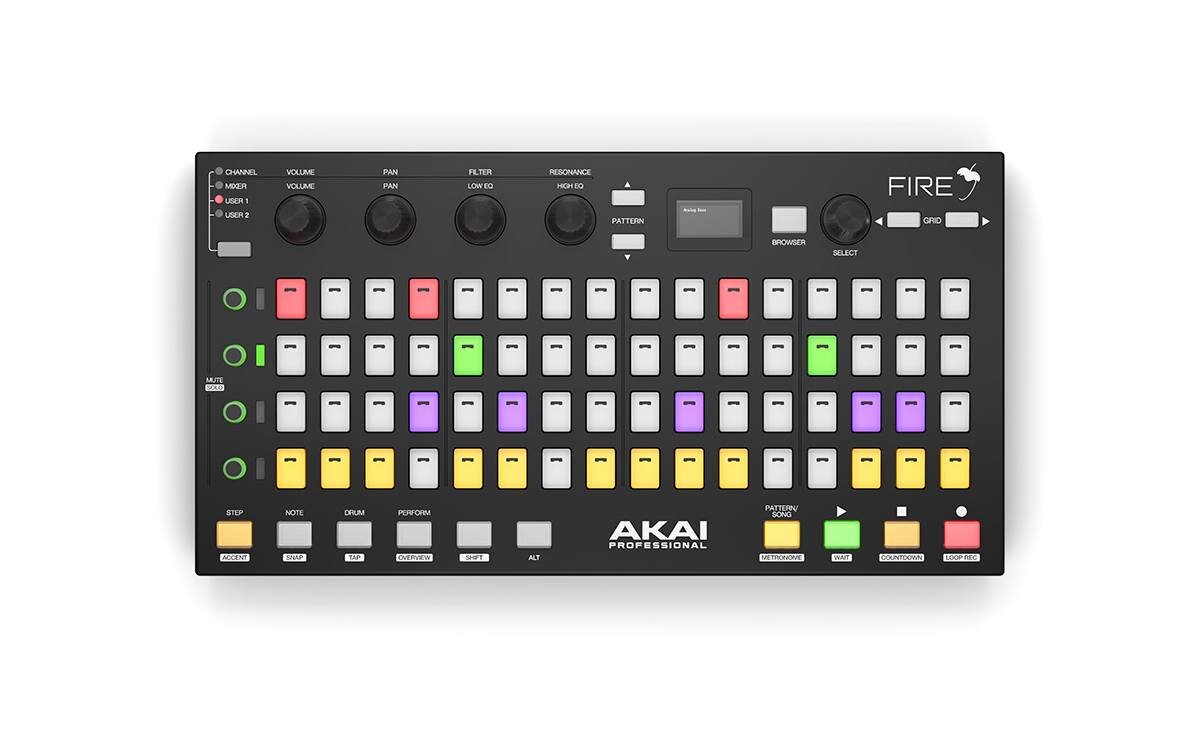
The official FL Studio controller.
Goes straight to this item on Amazon.com. As an Amazon Associate I earn from qualifying purchases.
We're building the Fire agent: 4 experts in one (recording engineer, MIDI master, synth specialist and DAW expert) with the official manual loaded on top. Own one? Sign up now and get it free for 30 days the day it launches.
Or call / text (718) 715-4652.
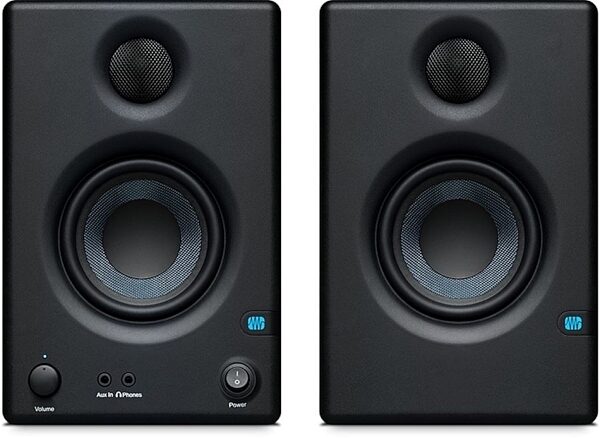
The Fire sends MIDI to your computer; your sound comes out of your audio interface. Connect the interface outputs to the speakers with TRS to XLR (or TRS) cables. These are powered (active) studio monitors with balanced line inputs (about 10–20 kΩ), so the Fire drives them directly. No separate amplifier needed. Never plug a line output into passive (unpowered) speakers. 🔊 New to speakers? Read the Speaker Guide →
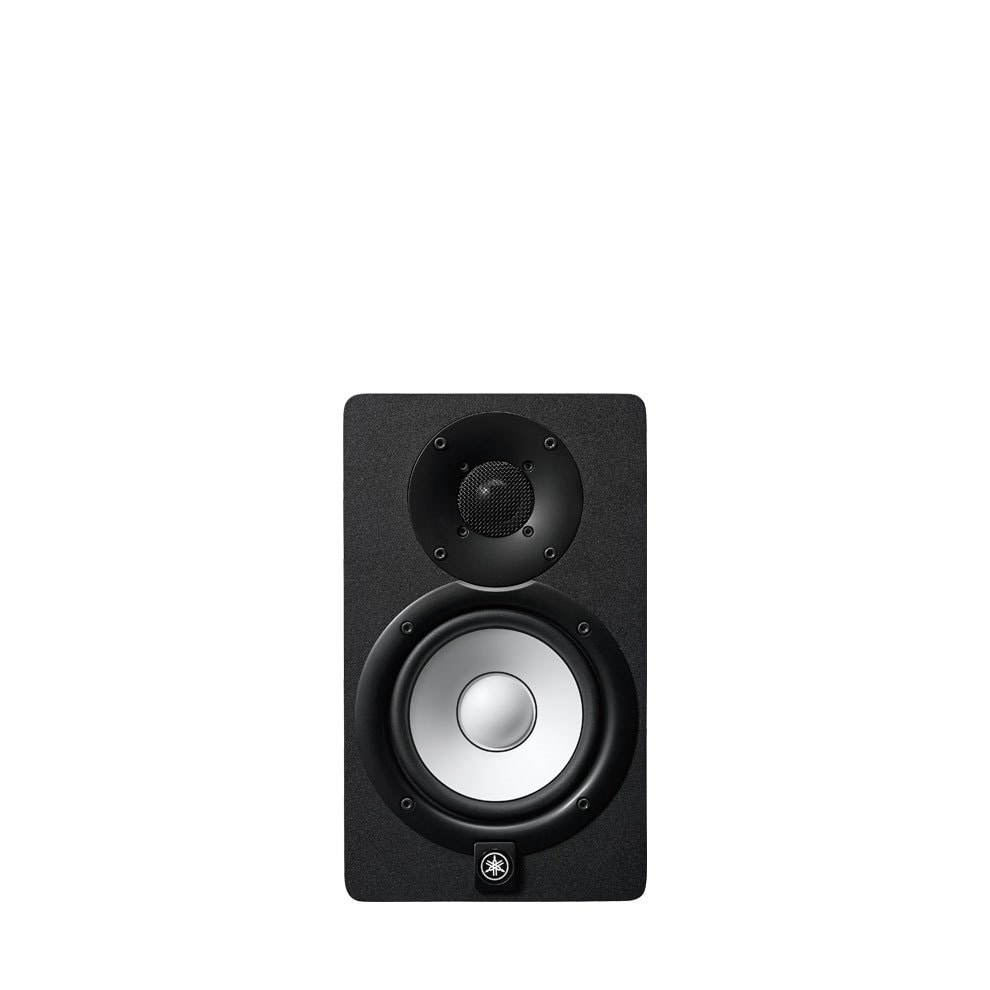
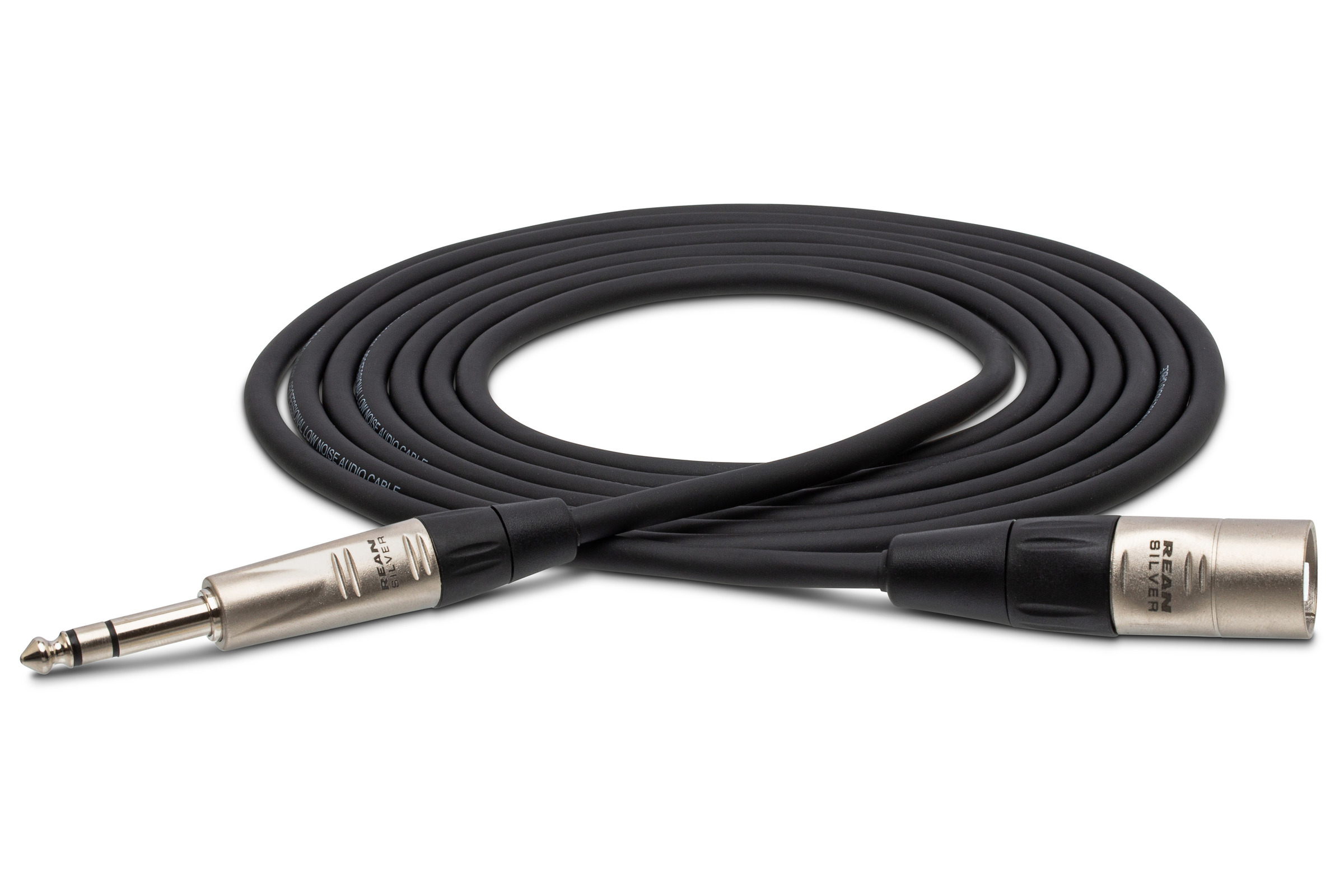 Cable you need: 2 × TRS to XLR cables
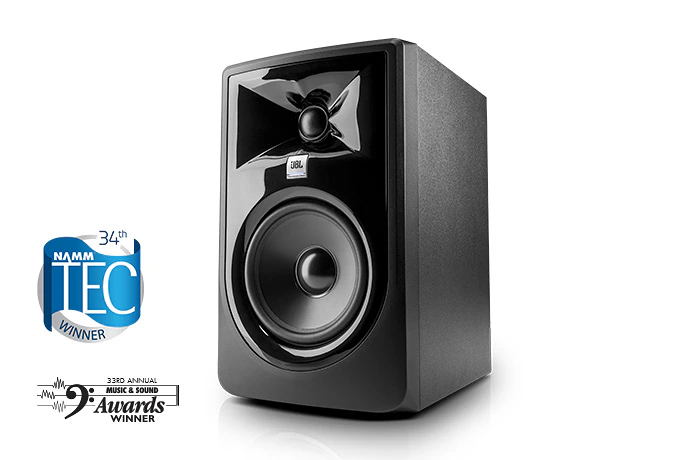 Cable you need: 2 × TRS to XLR cables
 Cable you need: 2 × TRS to XLR cables
 Cable you need: 2 × TRS to XLR cables
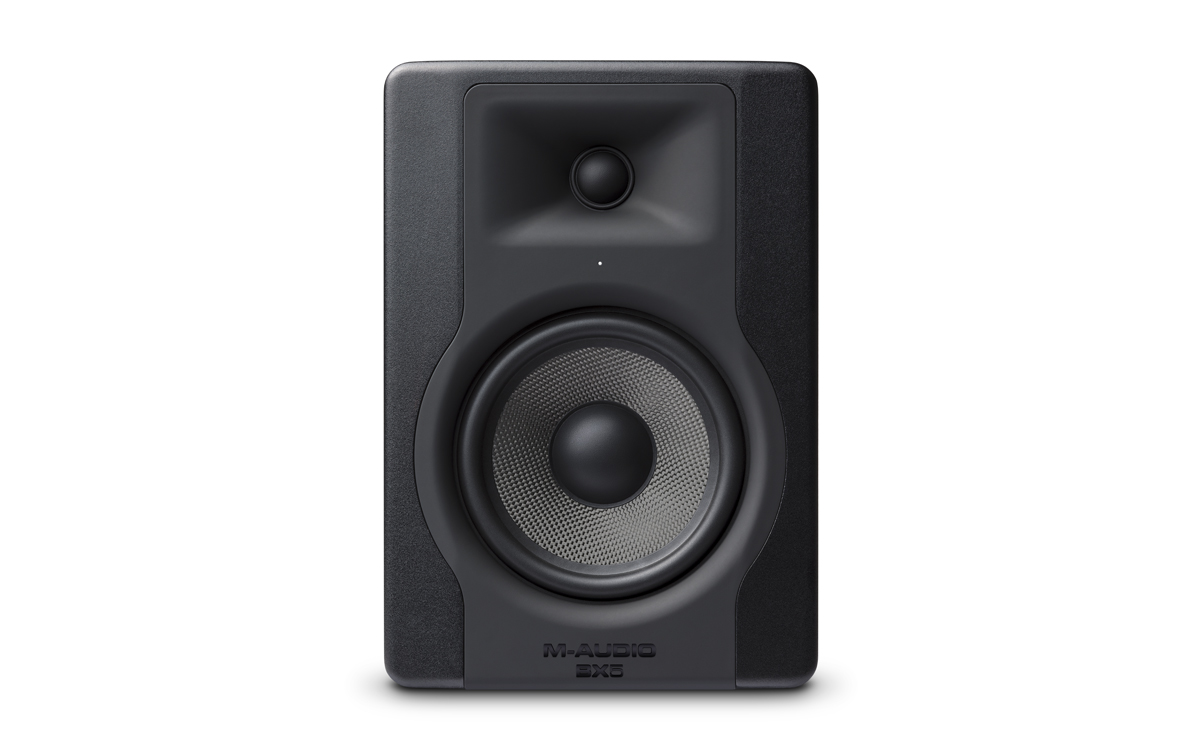 Cable you need: 2 × TRS to XLR cables
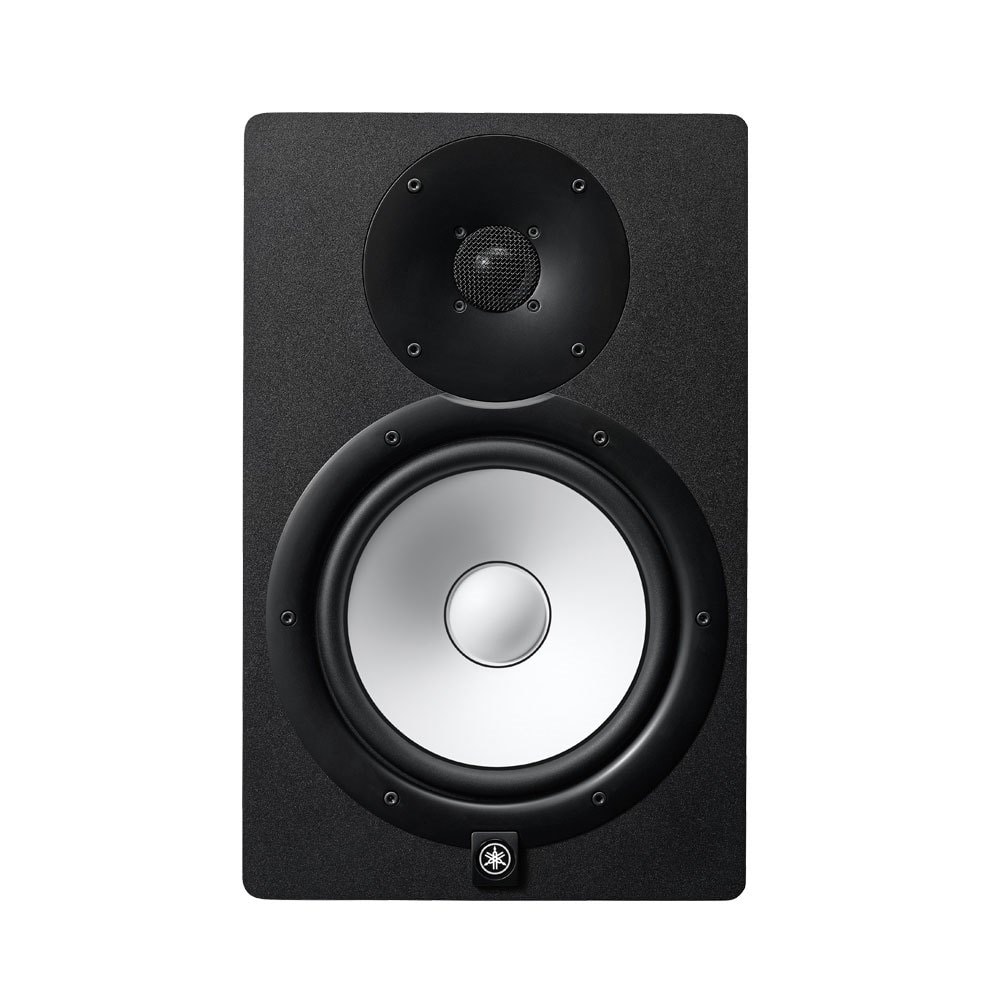 Cable you need: 2 × TRS to XLR cables
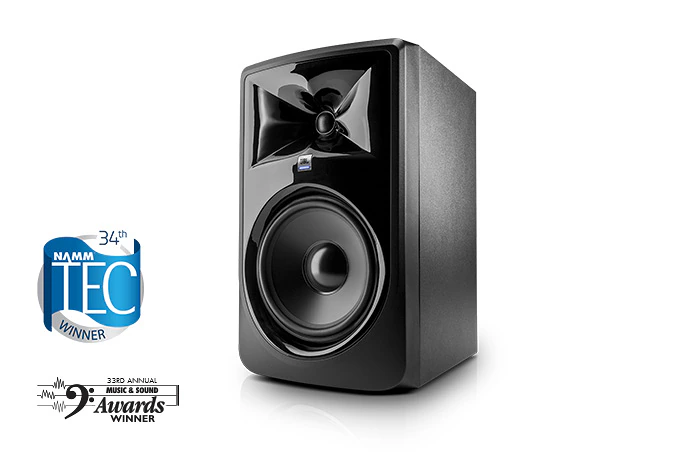 Cable you need: 2 × TRS to XLR cables
 Cable you need: 2 × TRS to XLR cables
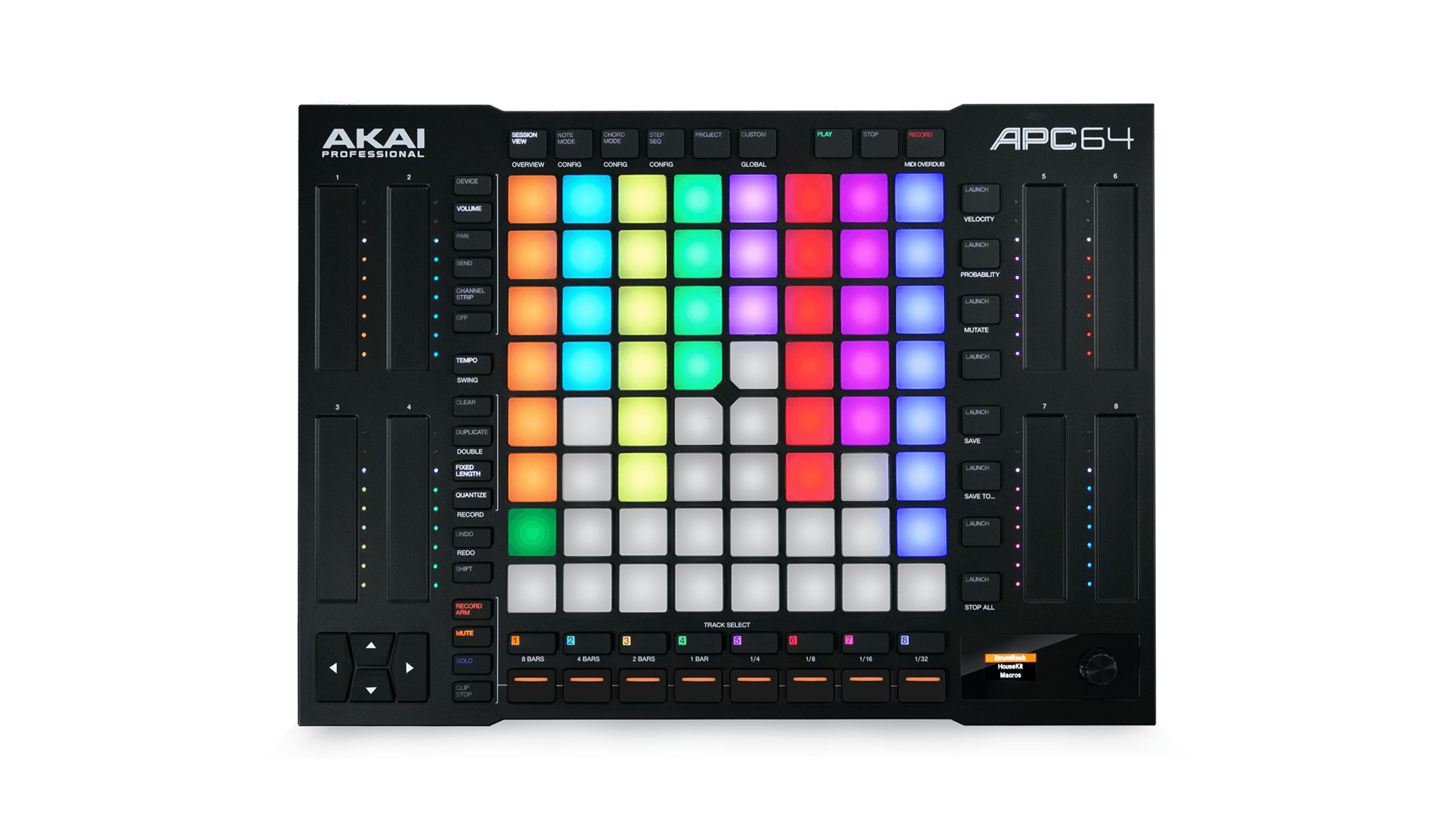
FL Studio producers love programming drums on real pads that light up exactly like the step sequencer.
The official FL Studio controller: 64 RGB pads for step sequencing and performance.
Everything you'll need to plug it in, power it, play it and protect it. Click any item to see it on Amazon. Connections are from the maker's specs; check your manual for your exact model. Questions? Call or text Doc: (718) 715-4652
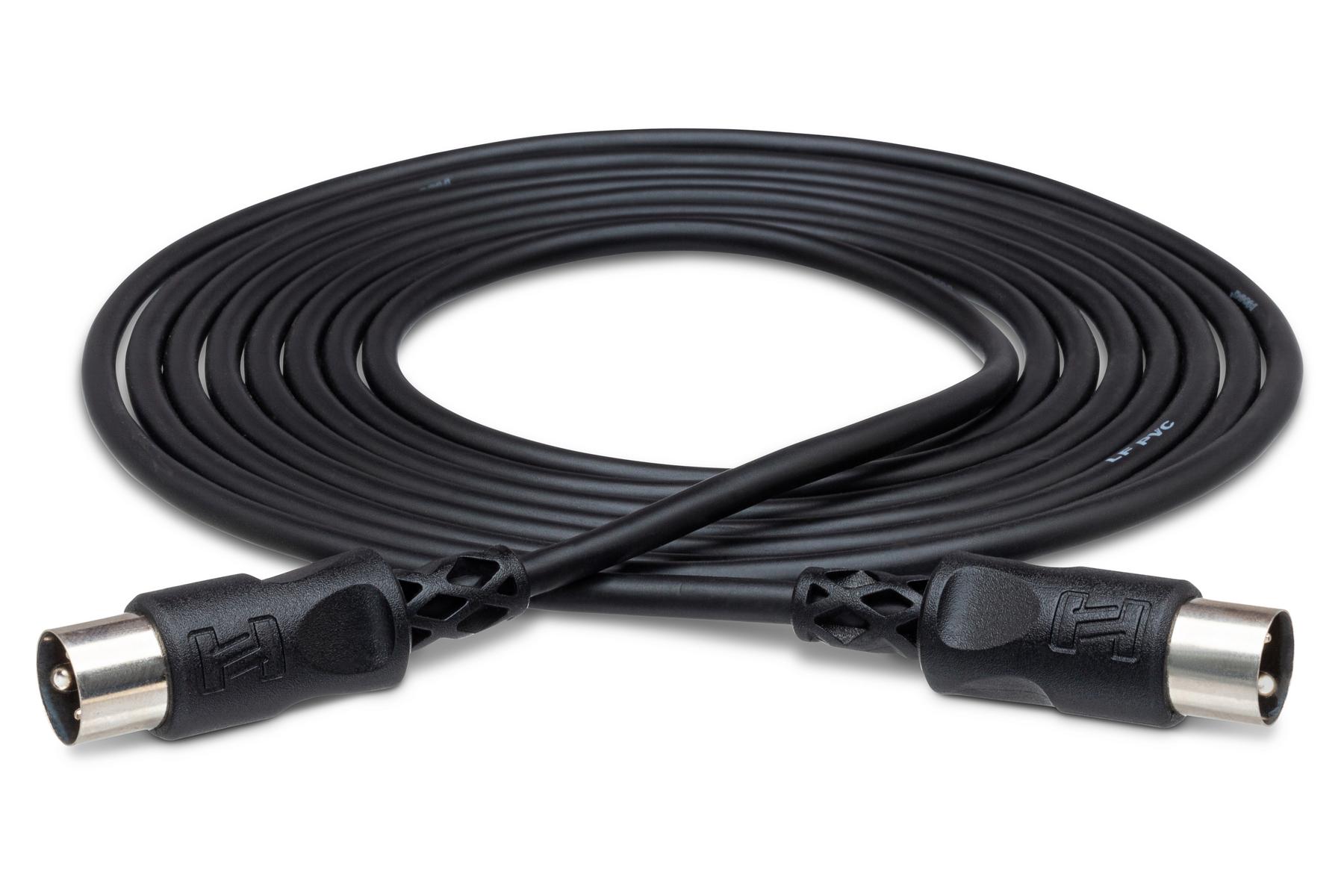
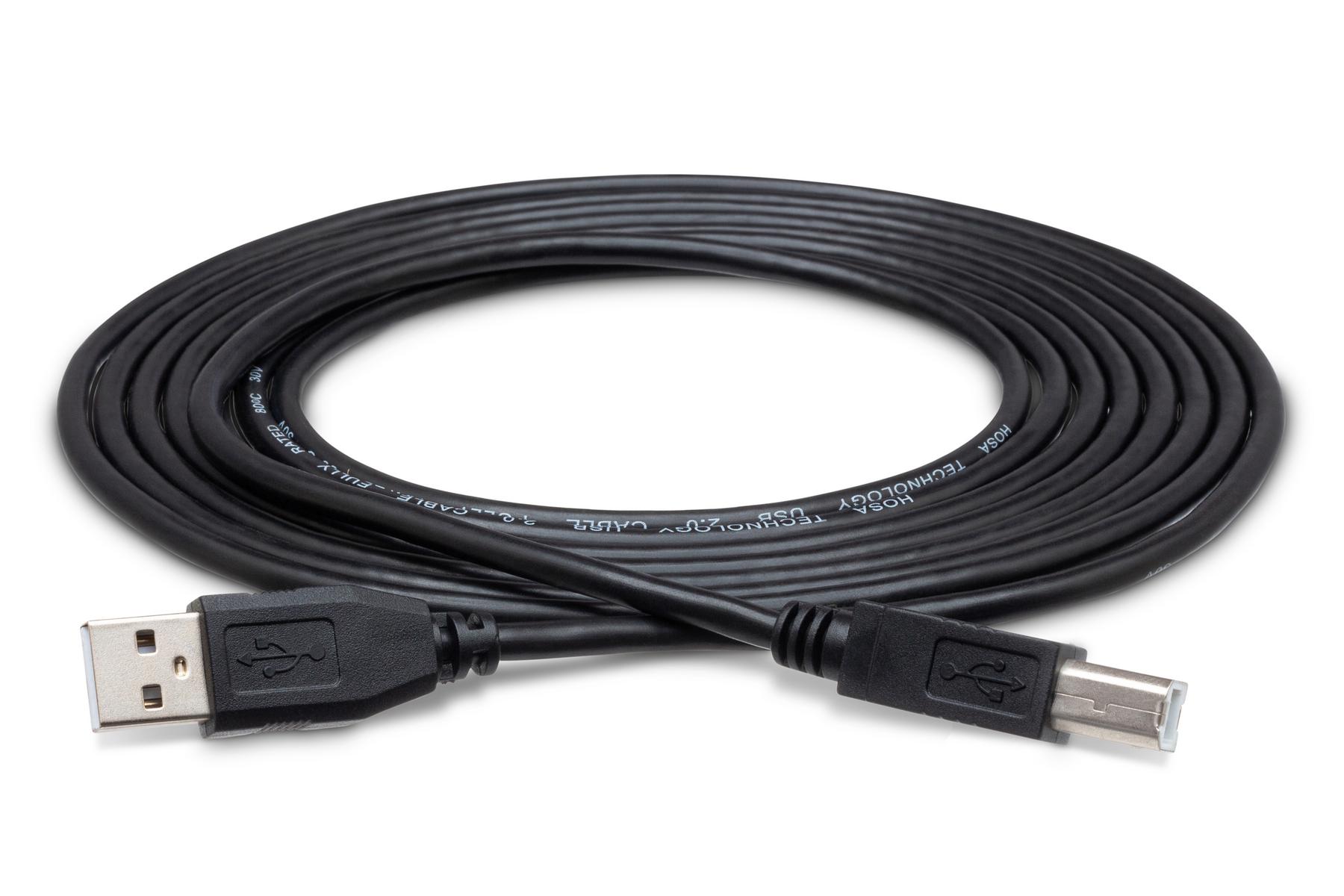
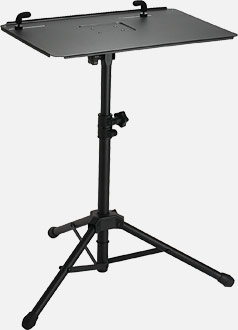

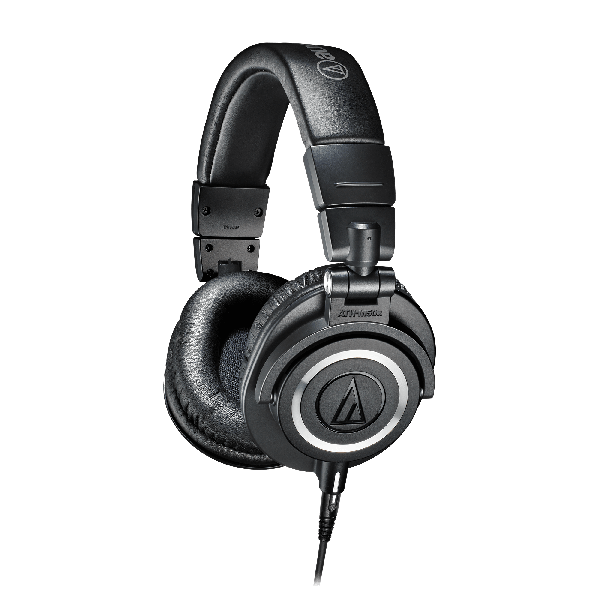
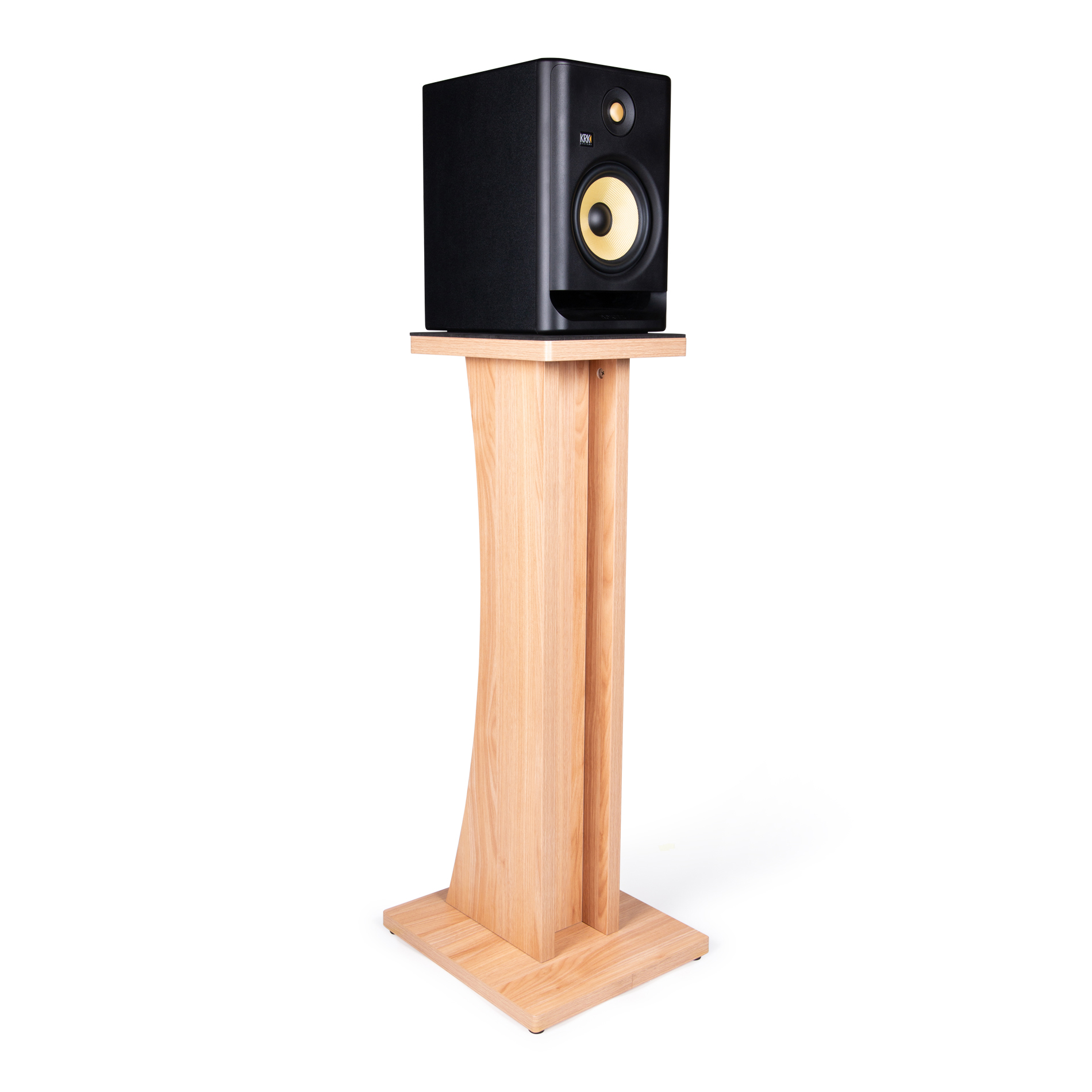
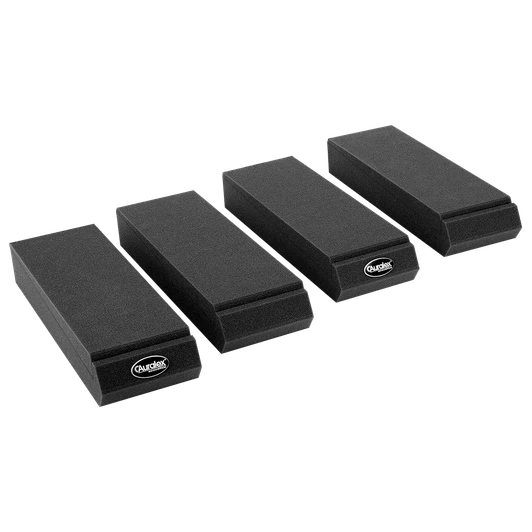
The gear every home studio needs around your Fire: speakers, speaker cables, foam for the walls, a desk and a mic.
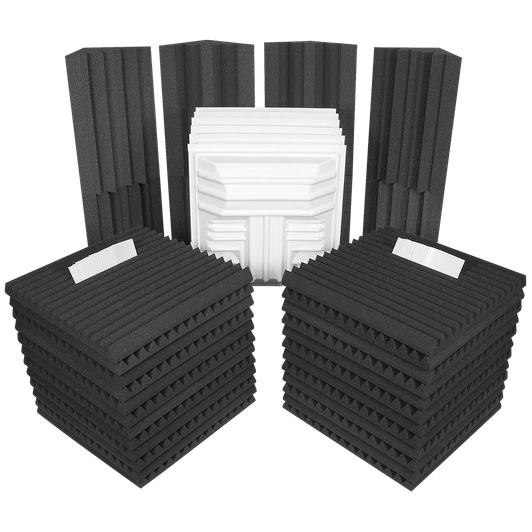
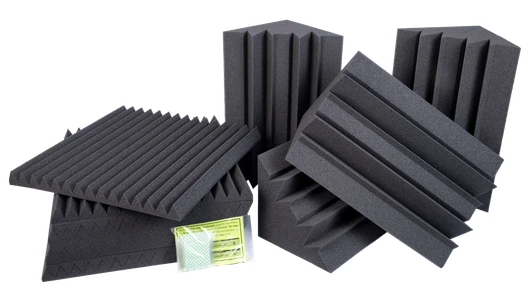
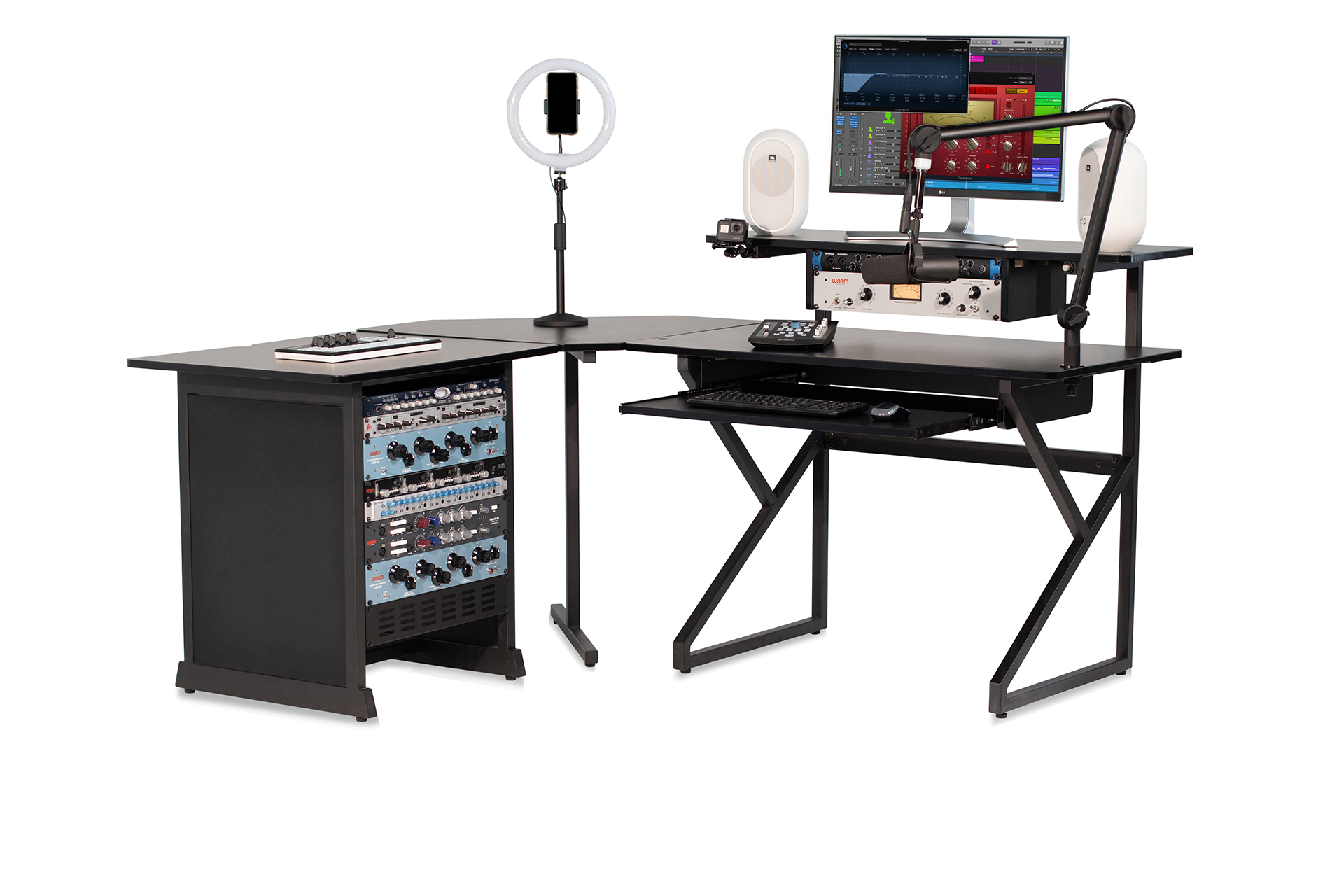
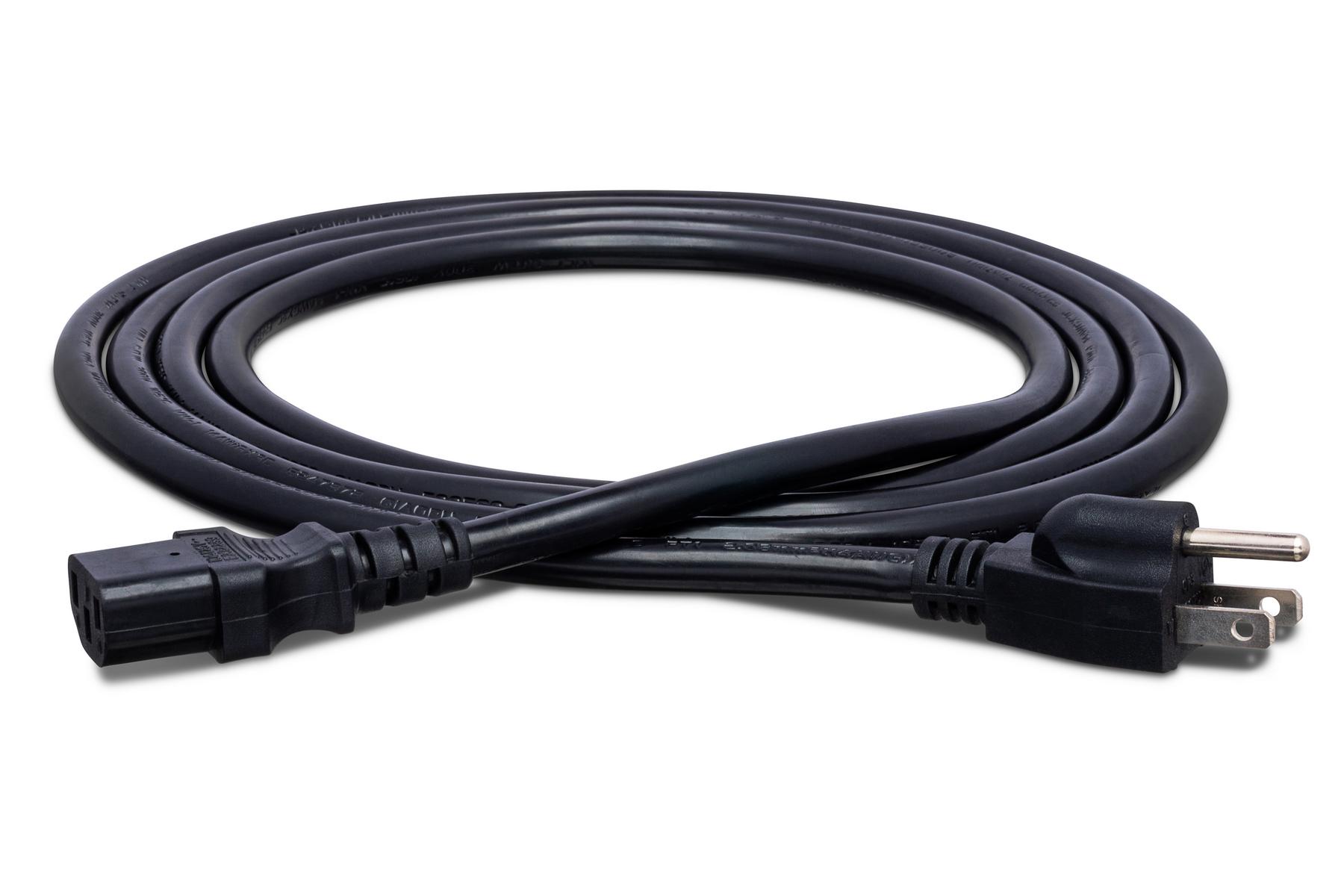


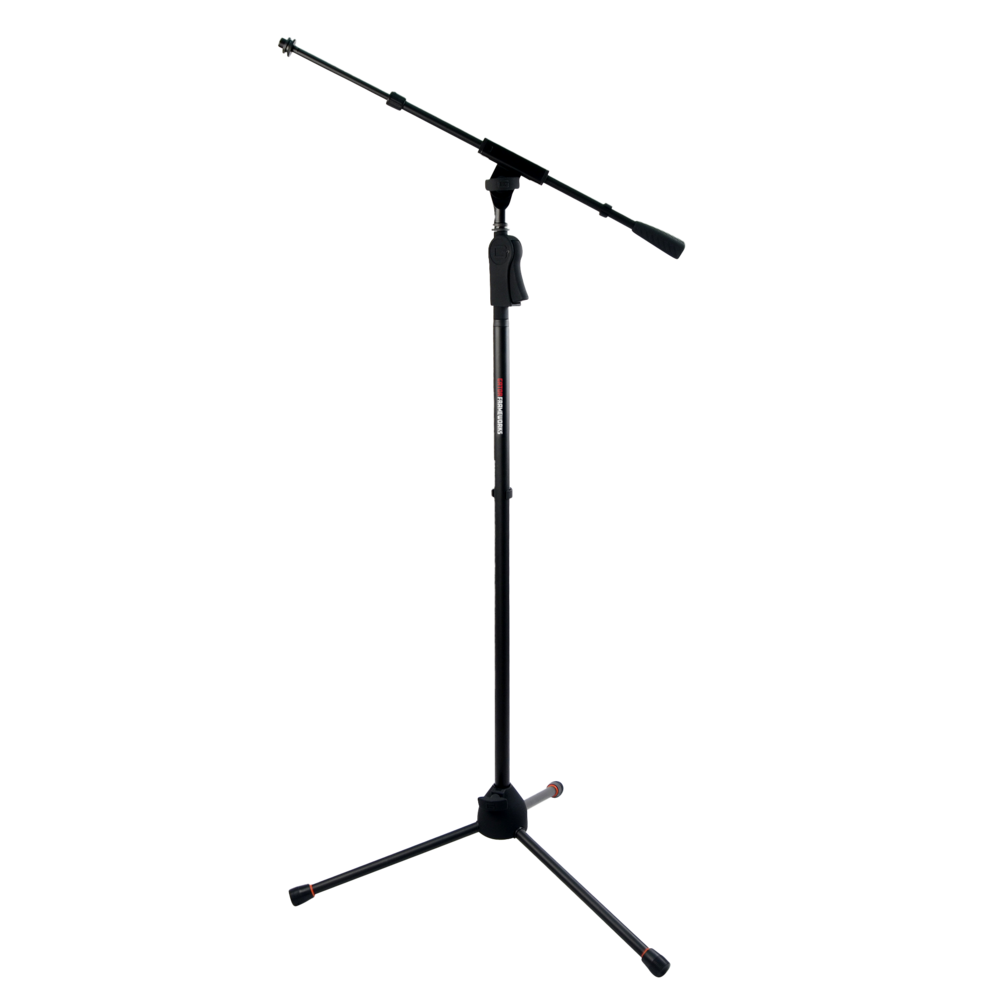
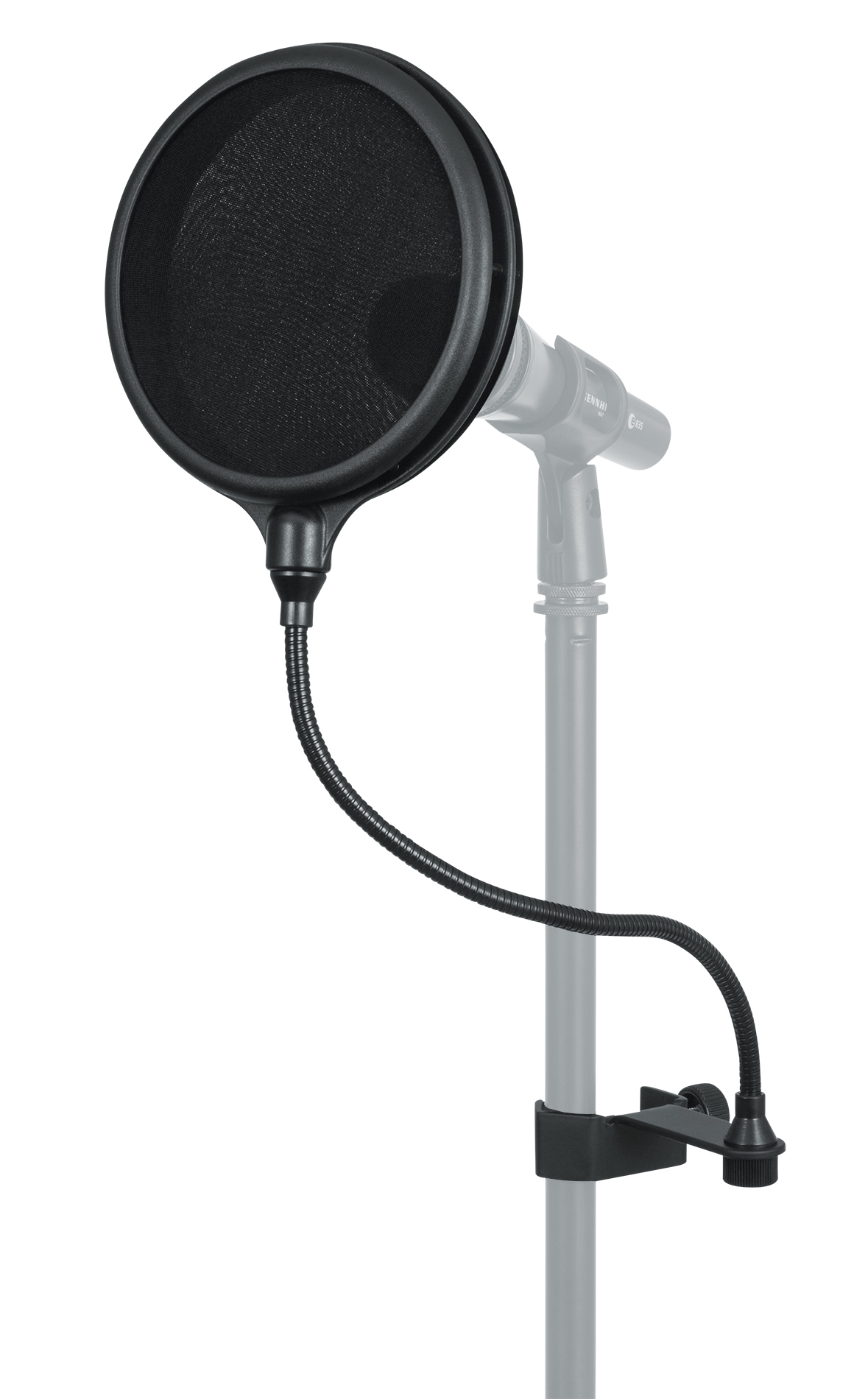
Links open Amazon.com. As an Amazon Associate I earn from qualifying purchases.