Be first to get deals on gear, lessons, courses and AI agents. Your free account also gets member pricing in the SampleKings store.
Welcome to SampleKings. Watch your email for deals. You can log in to the SampleKings store with the email and password you just chose.
Log in to the storeThe amplifier is built inside the speaker. Plug your MPC, synth, mixer or audio interface straight in. Every studio monitor in this store is powered. This is what you want.
No amplifier inside. They need a separate power amplifier. Never plug an MPC or interface line output straight into passive speakers: you'll hear almost nothing.
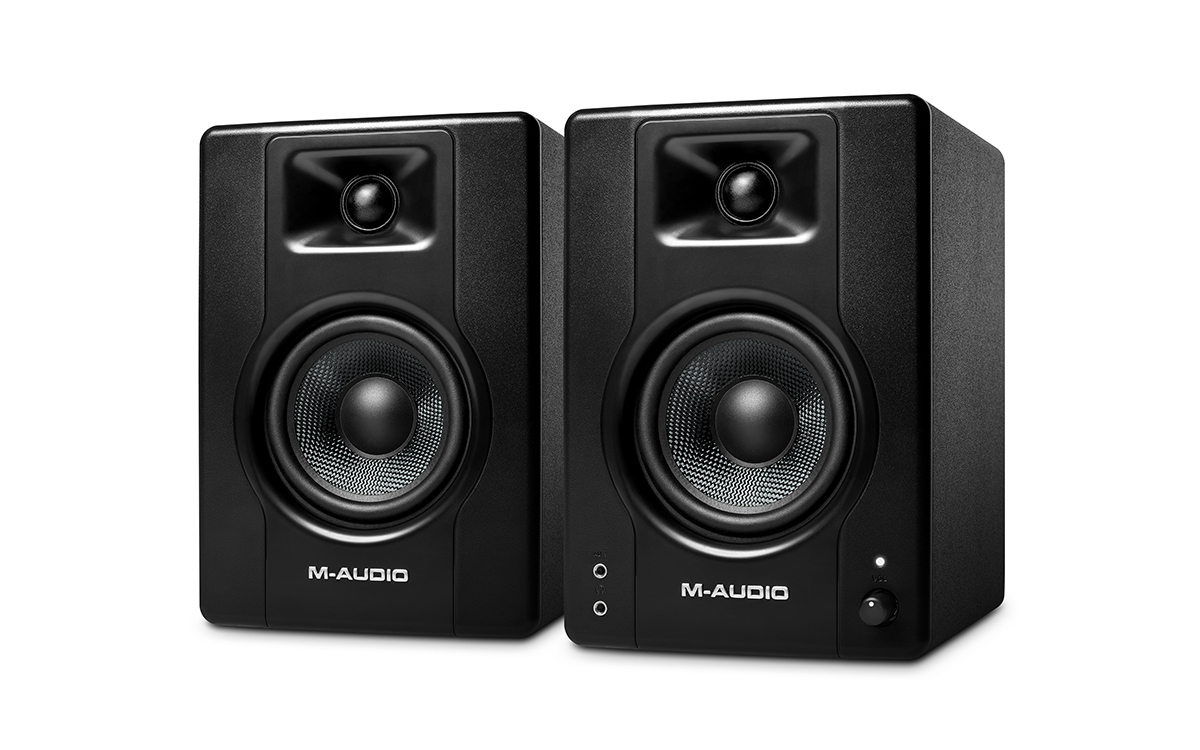
Small desktop pairs (like PreSonus Eris 3.5 or M-Audio BX4) put the amp in one speaker and feed the other with a speaker wire. One power cord runs the pair.
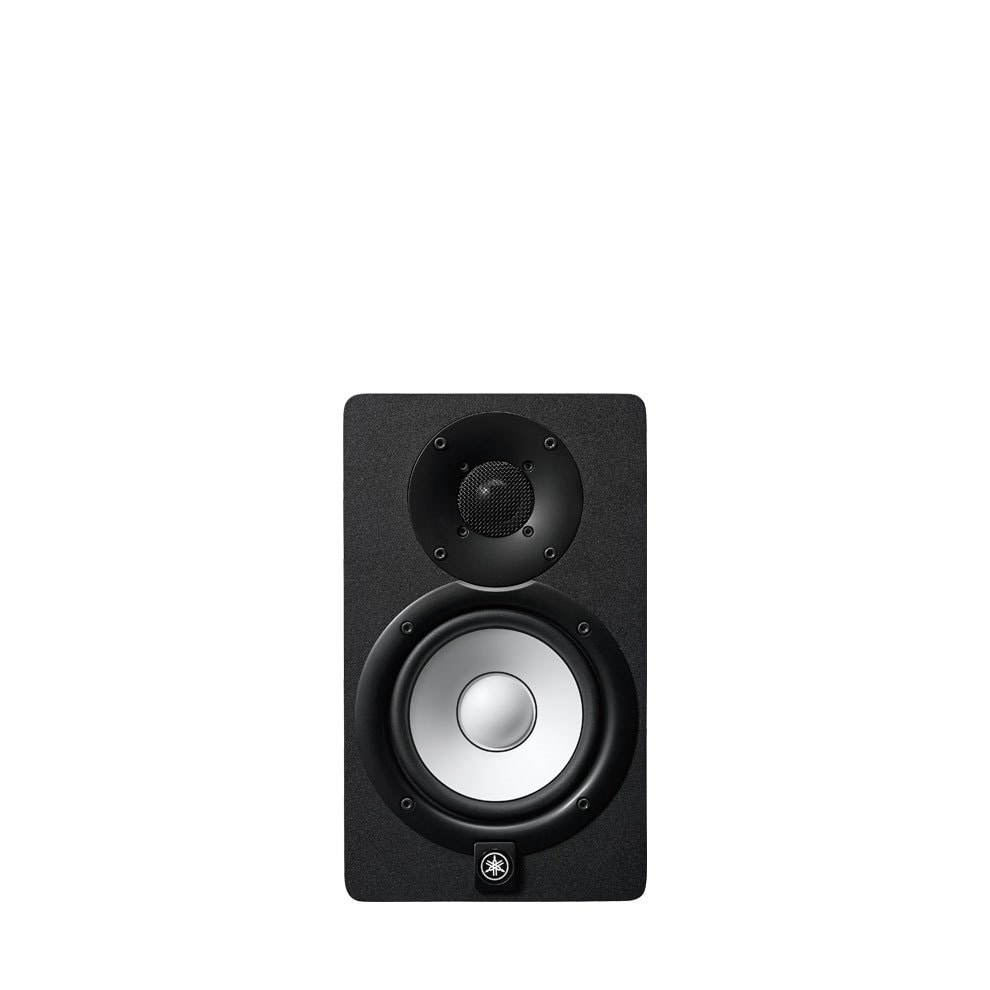
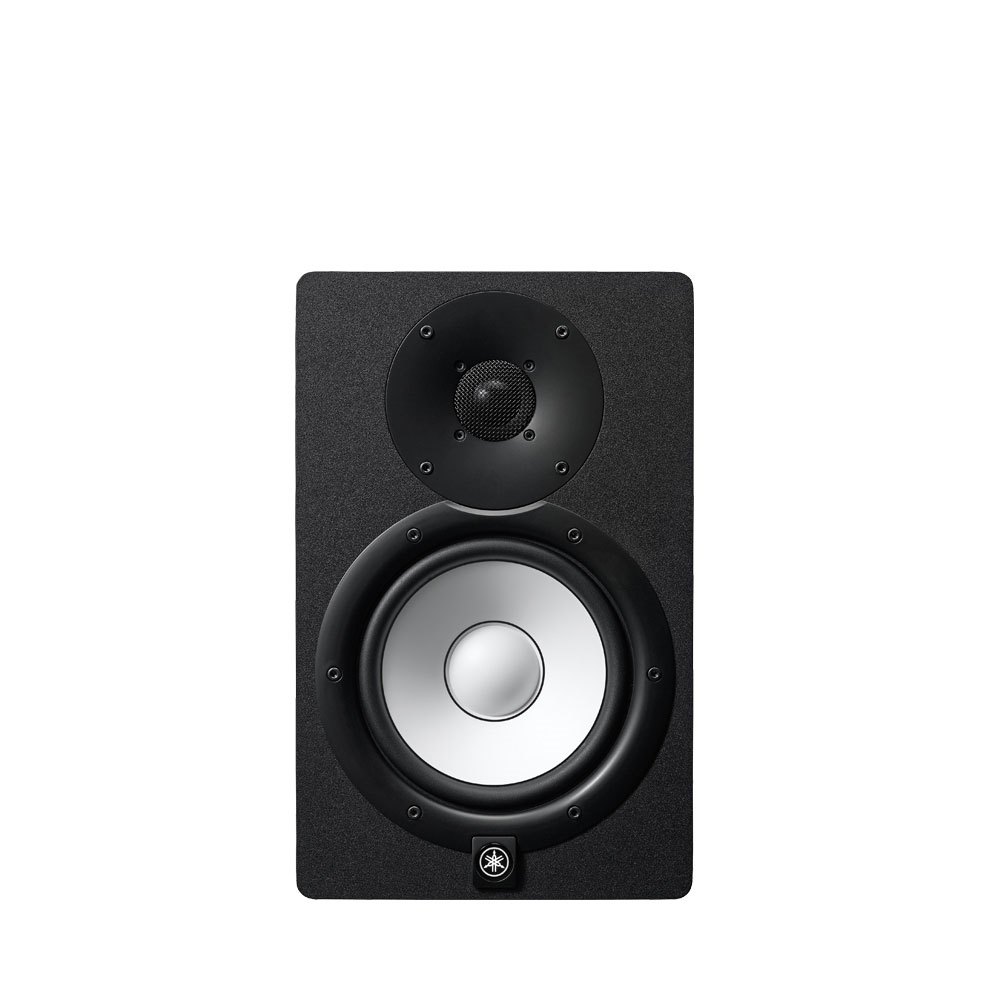
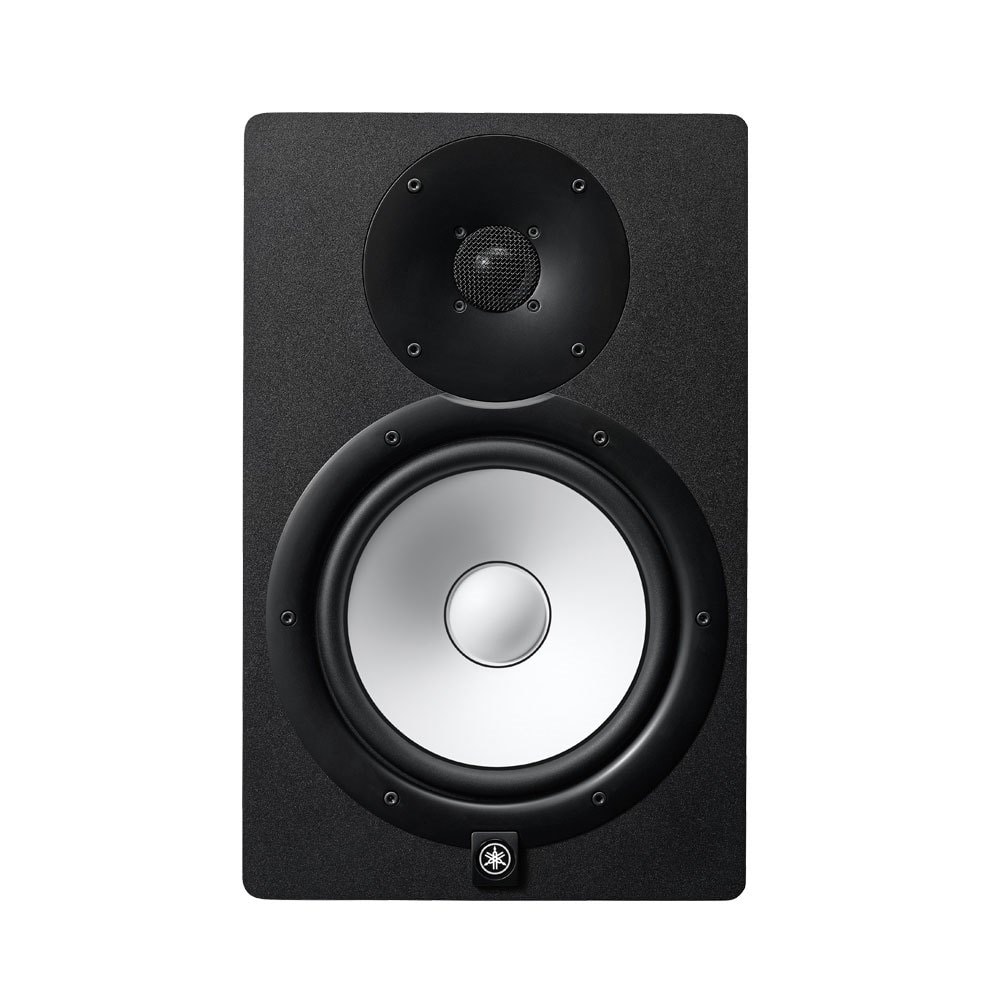
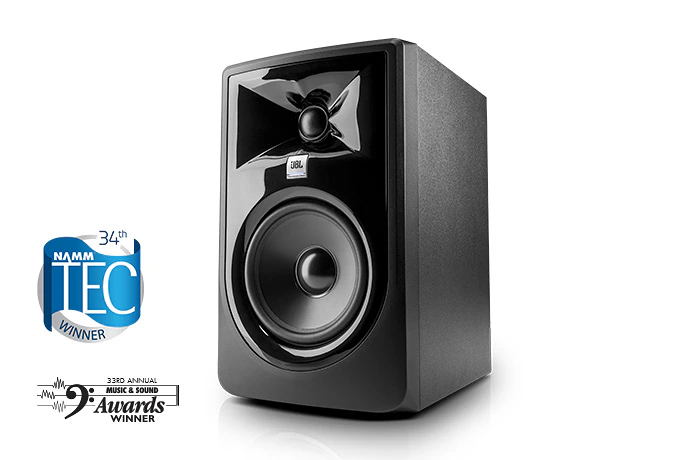
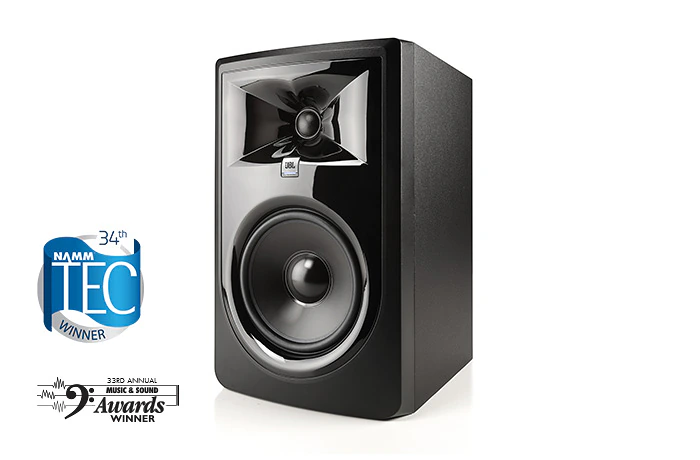
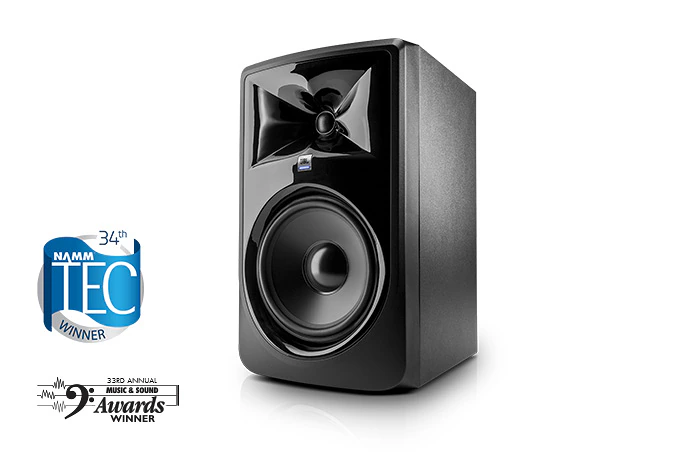
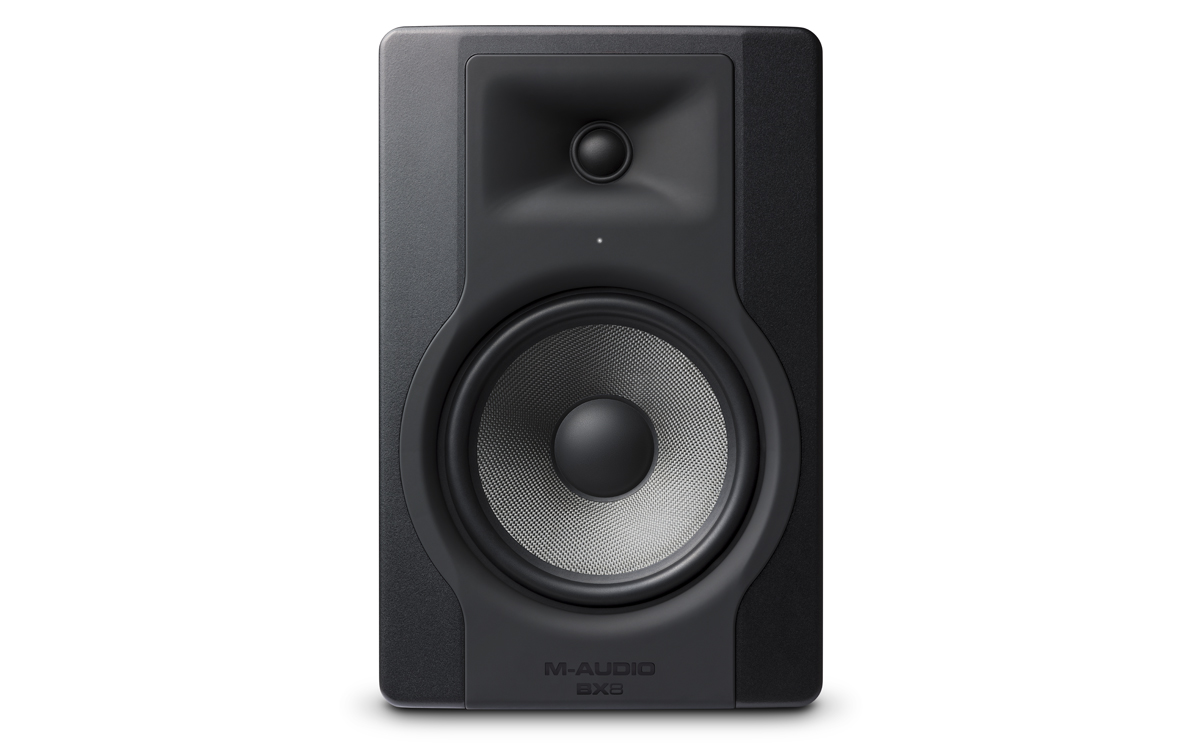
Two speakers in one box: a woofer for bass and mids, and a tweeter for highs. Each one gets its own amp. Clearer sound, less distortion. Yamaha HS, JBL 3 Series, PreSonus Eris and KRK Rokit are all bi-amped.
Three drivers (woofer, mid-range and tweeter), each with its own amp. Even more detail in vocals and mids. Found in bigger, more expensive monitors for pro studios.
One amp feeds both drivers through a crossover. Cheaper desktop speakers often work this way. Fine for starting out.
Watts tell you how loud the speaker can get before it distorts. In a bedroom studio, 50–100W total is plenty. Bigger rooms and 8" woofers use 120W and up.
3.5"–5" fits a desk and small room. 6.5"–7" gives fuller bass in a medium room. 8" goes deep, best for bigger rooms or bass-heavy music (add a subwoofer later if you need even more).
Big speakers in a tiny room make boomy bass that lies to you. Smaller monitors plus foam on the walls usually sounds better than huge speakers in an untreated room.
Real studio monitors plug into the wall with their own power cord. Your computer's USB can't give them enough power.
Some small computer and Bluetooth speakers run on USB-C power or batteries. Handy for travel, but not loud or accurate enough for mixing.
Use a power strip or surge protector and turn speakers on last and off first to avoid loud pops.
Balanced cables cancel hum and noise. Use TRS to XLR cables from an MPC or interface to speakers with XLR inputs, or TRS to TRS for 1/4" inputs.
Fine for short runs from small gear, phones and DJ mixers. Keep them short to avoid noise.
Powered monitors have line inputs around 10–20 kΩ. Every MPC, synth, mixer and interface line output is designed to drive that. You don't need to match anything. Just use the right cable.
Every model below is powered, bi-amped (or a powered pair) and works with MPCs, synths and audio interfaces. Questions? Call or text Doc: (718) 715-4652