SAMPLEKINGS
Join $60 — Limited Time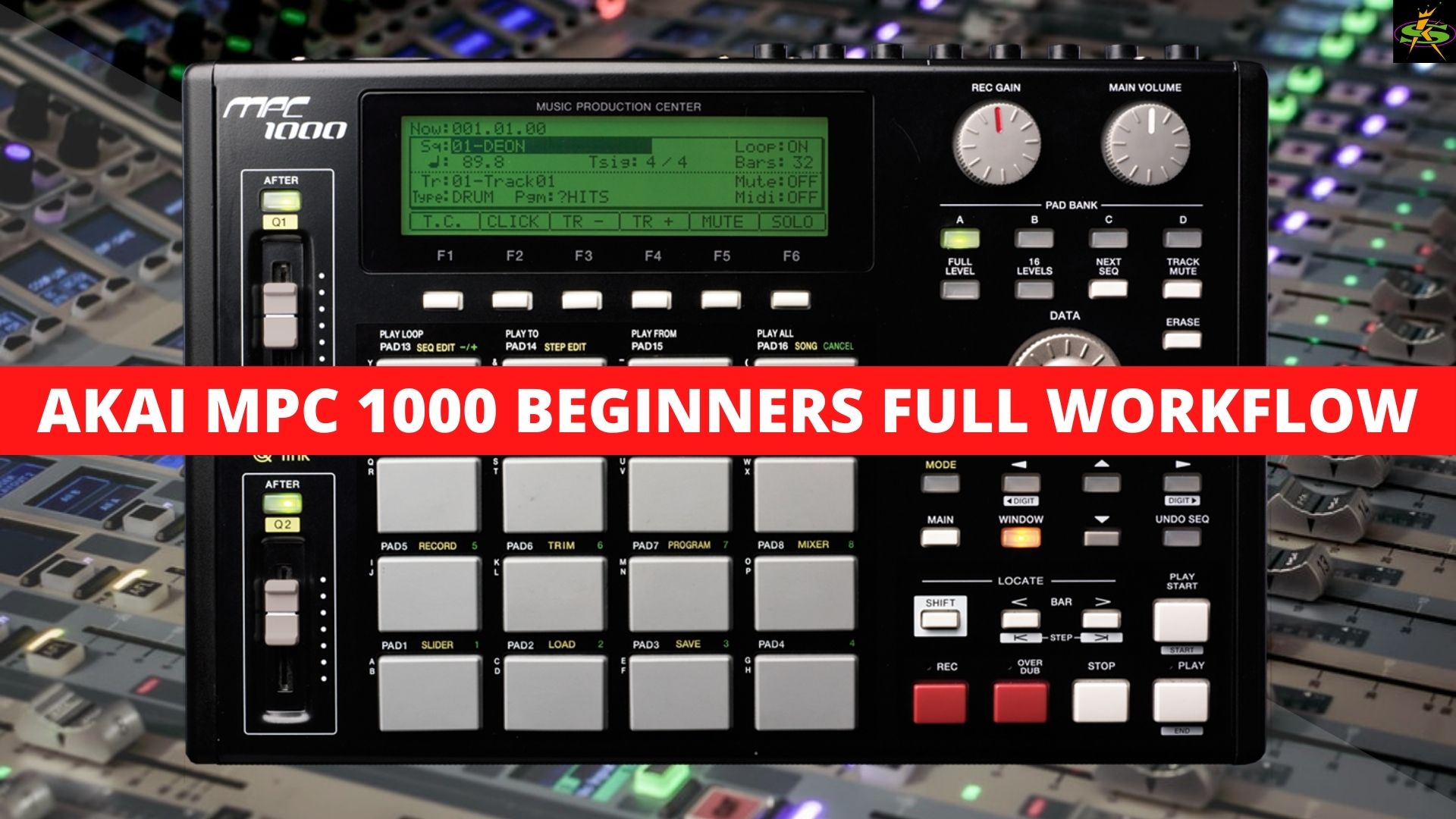
MPC
1000
One of the best sampling/MIDI sequencers ever made — 32-voice polyphony, 64-track sequencer, velocity-sensitive pads, and legendary MPC timing.
About The MPC1000
The MPC1000 is one of the best sampling/MIDI sequencers for under $600. We start off with the back and teach you how to set up all your connections — cables, MIDI, power. Then we cover the front and teach you how the pads, buttons, knobs, and Q-Link sliders work. In our next lesson we start sampling — teaching you the best way to get your samples recorded, set up input levels, adjust sample time, where to start a loop, how to chop the sample up, and the best way to edit them so they sound just right.
Next we place the samples in a program so we can trigger them from a pad — you'll learn how to set parameters, stack samples to create new sounds, then edit volume, velocity, pitch and other parameters. Then we place our samples into a sequence to start creating a song, editing sequence parameters like length, bars, and time signature. We bring in keyboard player Diggity Dave Patterson to record MIDI data, showing you how to record and edit MIDI notes so everything plays back sounding just right.
In Part 2 we take what we've learned and use it to make music. Doc chops up samples from popular records, adds samples from different records, normalizes levels, uses program mode to put samples on the pads, triggers multiple samples per pad, applies filtering and effects, builds a phat sequence, then mixes everything in mixer mode for the final run. These lessons cover everything you need to rock this great little sampler from AKAI.