 SampleKingsSK Recording Studios
SAMPLEKINGS
Join $120 — Limited Time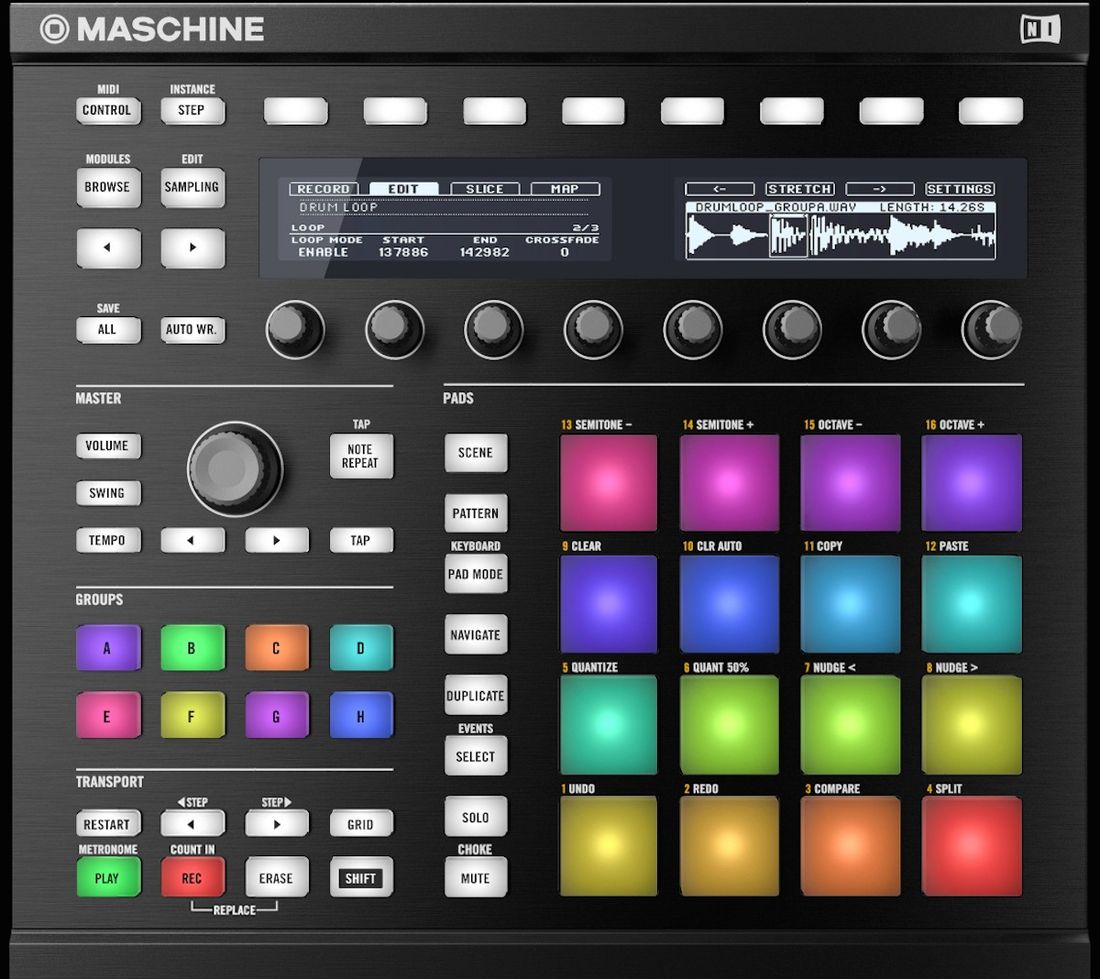
Maschine
Complete guide to Maschine — beat making, sampling, sequencing, and live performance.
About The Maschine
Learn to work the Maschine, with OS ver. 2.10.1, from Native Instruments, with these 2 DVDs with over 4.6 hours of lessons on every feature. We cover the Display, the Transport controls, all buttons, and knobs, Volume, Tempo, you'll learn how to do it on the hardware and the software with our step by step instructions. We'll teach you each section in the software from the Browser where we can load any Project, Group, Kits, Instruments, samples, to the Arranger Section where we can setup the sections to our song movie score, background music, etc. You'll learn the Control Area where we can add fxs to samples, sounds, groups, and the master, you'll also use ADSR apply LFO, control levels like volume, and velocity, assign parameters to knobs on the hardware and software and much more. The Pattern Editor where you can build your sequence's for each group like Drums, Basslines, Keyboards, for a Intro, a Verse, a Chorus, a Bridge etc, and how to use MIDI and each section of the Pattern editor for your production. Next the Arranger is for putting the Verse, the Chorus, the Bridge, in a sequence to get the right length for a song or musical passage and the best way to apply these lessons for editing these sequences, which includes MIDI as well. You'll learn several ways to sample and to map samples on your Maschine, and load any wav samples, how to save and load your Projects, Groups, Kits and samples. You'll learn how to drag and drop complete sections or parts of a sequence in your host software like Pro Tools and Logic Studio Pro and Ableton Live. We cover it all on these 2 DVD's over 4.6 hours, these lessons will help you understand how to use your N.I. MASCHINE to the max.