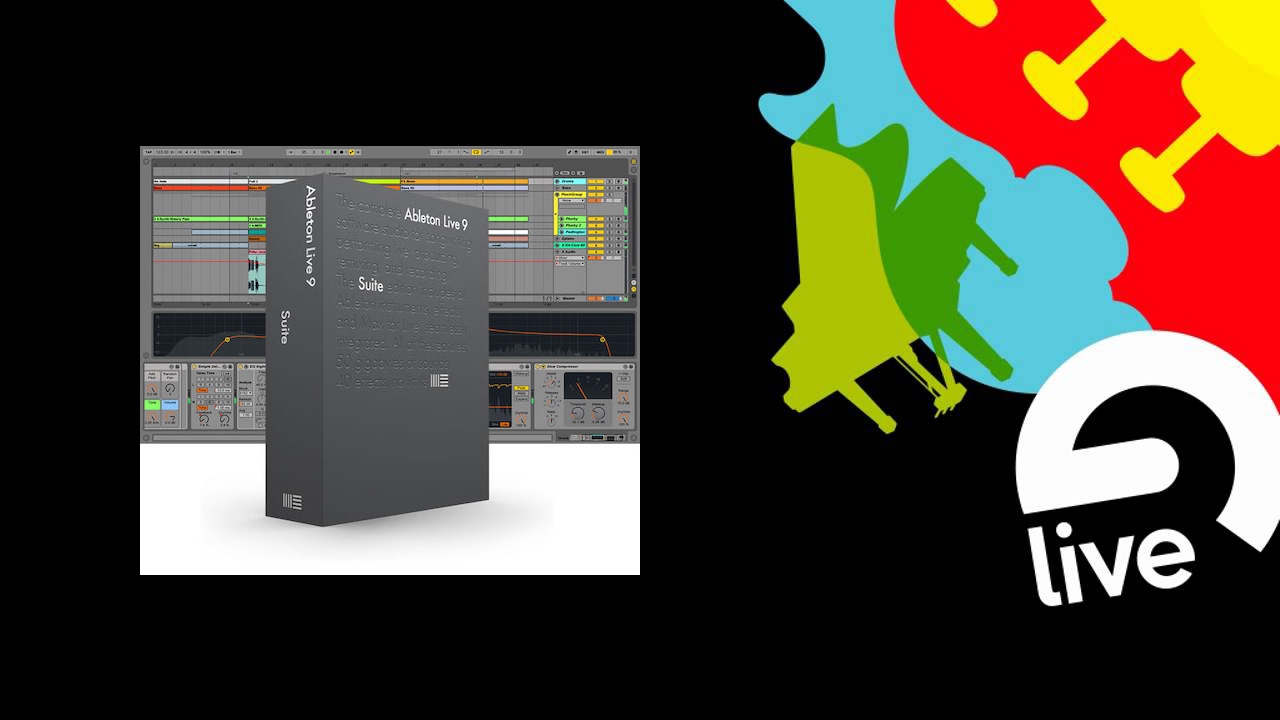
Ableton Live 11
Ableton — Instructional Video Series

ABLETON
LIVE 11

Over 6.5 hours and 70+ lessons covering every feature — from audio setup and MIDI preferences to mixing, mastering, warping and exporting.

70+ Lessons 6.5 Hours Session View Arrangement View Maschine Integration
SKU: MPCLV ⏱ 6.5 Hours $21.95 BUY NOW SHOP ALL

About The Ableton Live Series

After getting a lot of requests for an instructional series for Ableton Live we just had to do it — and since then we've been big fans. This loop-based sequencing software does more than you think, and in Live 11 there are even more additions including a much better browser, improved warping and new MIDI tools.

Our Ableton series comes with over 6.5 hours and 70+ lessons covering every feature — from setup of audio and MIDI preferences with your interface, all the way to making a file for use as a CD or MP3 for download. We even cover working with Maschine or Maschine Mikro as the controller. Each lesson is step by step, easy to follow and easy to understand — helping you master this great production software.

What You'll Learn — 70+ Lessons

Audio Preferences
MIDI Preferences
Optimizing Your Computer
Session View
Working Live Browsers
Working Live Scenes
Live Sets & Projects
File Management
Saving Data
Exporting Content
Auditioning Clips
MIDI Effects
Setting Up Folders
Recording & Overdubbing MIDI
Setting Up Groove
Preparing to Record Audio
Recording Audio
Arrangement View
Session to Arrangement Record
Working Clips
Working the Live Mixer
Using Sends & Returns
Headphone Cues
Grouping Tracks
Using Effects Devices
Understanding EQ & Filters
Compressors & Dynamics
Reverbs
Importing & Exporting Packs
Setting Up Effects Chains
Arpeggiator Patterns
Chord & Scale Effects
Automation & Editing
Warping Audio
Looping
Creating Smooth Loop Tracks
Freezing Tracks
Virtual Instruments
Racks
Live & Rewire

LIVE 9: INTRO

6.5 Hours Total

LIVE 9: VIEWS

LIVE 9: THE LOOK AND FEEL

LIVE 9: THE LOOK AND FEEL PART 2

LIVE 9: AUDIO SETUP

LIVE 8 & 9: AUDIO PREFERENCES

LIVE 8 & 9: AUDIO PREFERENCES PART 2

LIVE 8 & 9: MIDI PREFERENCES

LIVE 8 & 9: COMPUTER SETUP

LIVE 8 & 9: THE LIVE BROWSER

LIVE 8 & 9: CLIP PROPERTIES

LIVE 8 & 9: SESSION VIEW PART 2