SAMPLEKINGS
Join $60 — Limited Time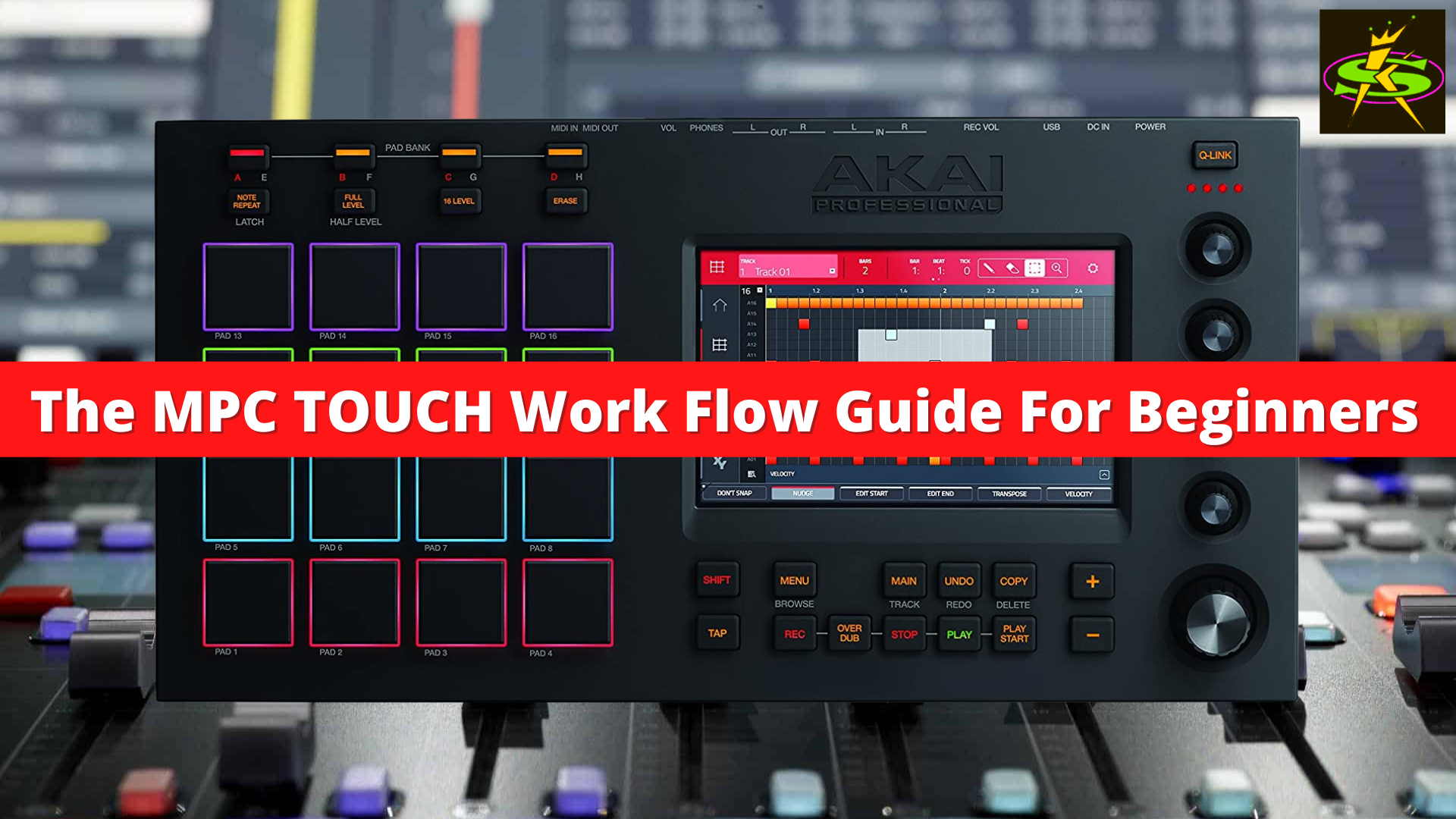
MPC
TOUCH
The first MPC with a multi-touch screen — seamlessly integrated hardware and software with 128-track sequencing and a 10GB+ sound library.
About The MPC TOUCH
The AKAI MPC TOUCH was the first MPC with a multi-touch screen — just like any iPhone, iPad or Android device. Its UI is well thought out and easy to use, and once you see our lessons you're on your way. It gets its power from a laptop or desktop computer — Mac or PC — with an audio interface. The MPC TOUCH is a fully integrated hardware/software system that lets you construct and create songs using classic MPC controls and an LCD multi-touch display.
Along with legendary controls and solid MPC pads, the MPC TOUCH features Akai's exclusive MPC software with 128-track sequencing, instant mapping and real-time adjustment of VST plug-ins, and a 10GB+ sound library. In this instructional series we cover every feature — how to set up your computer, load all the samples, create a beat, sequence the pattern, use it as a plugin and much more. Just follow along with our step-by-step lesson plan and you can't go wrong. We cover it all to make it easy for you to learn the AKAI MPC TOUCH. Remember — we're the Sample Kings, we do it right.