SAMPLEKINGS
Join $120/1 yr. MembershipAKAI MPC2500 INSTRUCTIONAL VIDEO
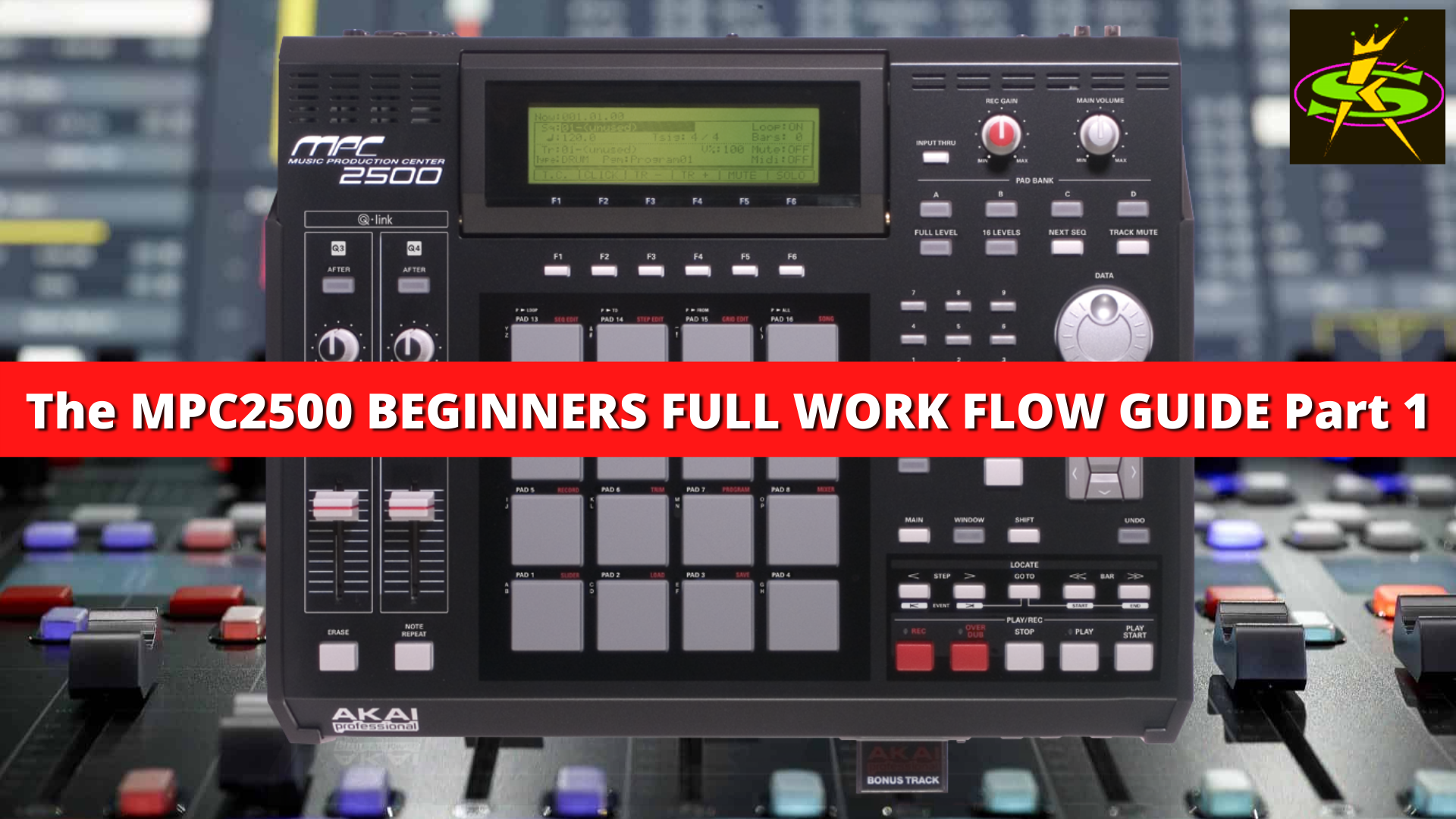
PDF Manual Download: MPC2500 Manual, MPC2500 Quickstart Guide
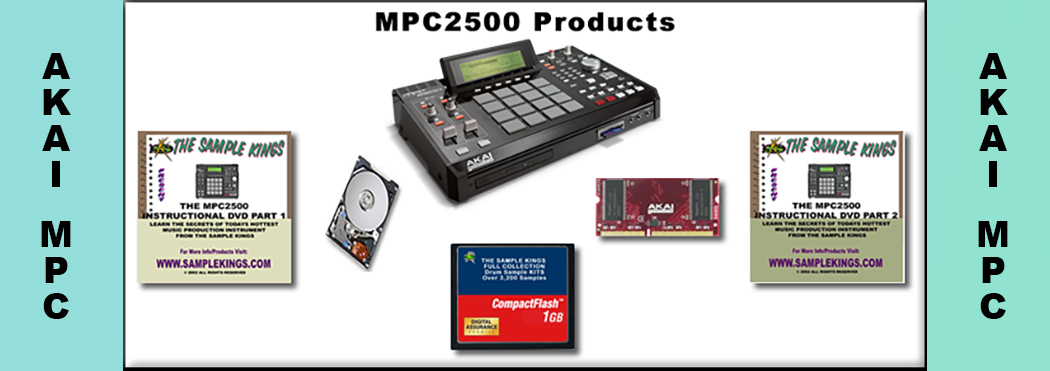
The MPC2500 is one the best sampling/MIDI Sequence for under $1000. It does everything. We start out showing what all the buttons do, this includes the pad assignments, Q-link sliders, modes, and explain how they work with the software. You'll learn the all new chop shop feature and ways to use it to give a sample it's own pitch using time compression. We explain how to set up samples in programs like putting a patch phrase sample in a program and explain ways to change the sound of a sample, using features in the program section like using LFO, velocity changes, filtering thru velocity, poly or mono playback and many more features, including the use of effects such as reverb, bit grunger, chorus, phasers, flying pan, 4-band EQ, compressor, delay and a phase shifter. This DVD, Part 1, covers everything you need to know to get started using the MPC2500.
On the AKAI MPC2500 DVD PART 2 we take the sample turn it into a patch phrase and use it in a sequence we put it in a program, next we setup the right BPM (beats per minute), then we need to select a track to record on, here we cover all aspects of the sequence window and we change the tempo to show how the sample remains in sync. We teach you how to copy the measures to extend the sequence and how to change the events in a sequence. Next we cover step editing, here we go to the exact place in our sequence and place a sample where we want, whether it's the duration of a note, the attack (how hard we hit the pad), the volume, the midi note or delete the part we don't need. Our next lesson is how to use the program section on the MPC2500, this very similar to other mpc's, we can place up to 4 samples for any part and change their volume level, tuning, range , make it poly, and add it to a mute group, and much more. We also cover how to use the all the effects in the system, from the master effects on the output to the effects in the mixer section and switching from 1, 2, 3, or 4 sends. We add more sequences so we can create a song form and explain how to get the right bars and tempo of for the samples. Next we cover the newest feature recording in a song, which allows you to record vocals, a bass player, a DJ, or a guitar over your song.

AKAI MPC2500 Videos Previews
AKAI MPC2500: Slicing Samples
AKAI MPC2500: Sampling Part 1
AKAI MPC2500: Sampling Part 2
AKAI MPC2500:Time Compression Part 1
AKAI MPC2500:Time Compression Part 2
AKAI MPC2500: Hard Drive Install
Contact Us
SampleKings, Inc.Hollis, Queens
NY, 11412, US
Phone: (718) 715-4652
email us admin@samplekings.com
Social




Join SampleKings

All videos run 24/7 online
Watch any of our videos series online, you can view from any device, a computer, a smart phone, a tablet, Apple TV etc., download any of our 80,000 samples, get help from our help desk all for one low price.
New Series on Video Production
Covering the best cameras for music video production, how to pick the right lens, Auto focus, F stop, Appeture, ISO, S-Log, video editing, color correcting and much much more, starting November 15, 2019.About Us
SampleKings has been in business making instructional videos since 1992. We take our time to get it right so every video series teaches you the best way to use your hardware or software system in your production whether it's music or video. We back it up by providing you with our phone number: (718 715 4652) if you need any help.